Photo2Video Archive vs Immich & Synology Photos: $3.99 zero-server iPhone app vs self-hosted NAS backup
Self-hosted platforms like Immich (on Docker/home servers) and Synology Photos (on DiskStation NAS hardware) give technical households private, byte-exact multi-terabyte cloud replacements—in exchange for $400–$1,000+ in hardware, RAID disks, Tailscale/VPN networking and ongoing container maintenance. Photo2Video Archive ($3.99 once) gives non-sysadmin iPhone and iPad users instant, zero-server local HEVC photo archiving in two minutes.
1. Zero-maintenance iPhone app vs running a home photo server
Running Immich or Synology Photos means becoming your own cloud administrator: buying NAS bays and hard drives, configuring 3-2-1 off-site backups for the NAS itself, applying breaking Docker compose updates, and setting up secure remote access when away from home Wi-Fi.
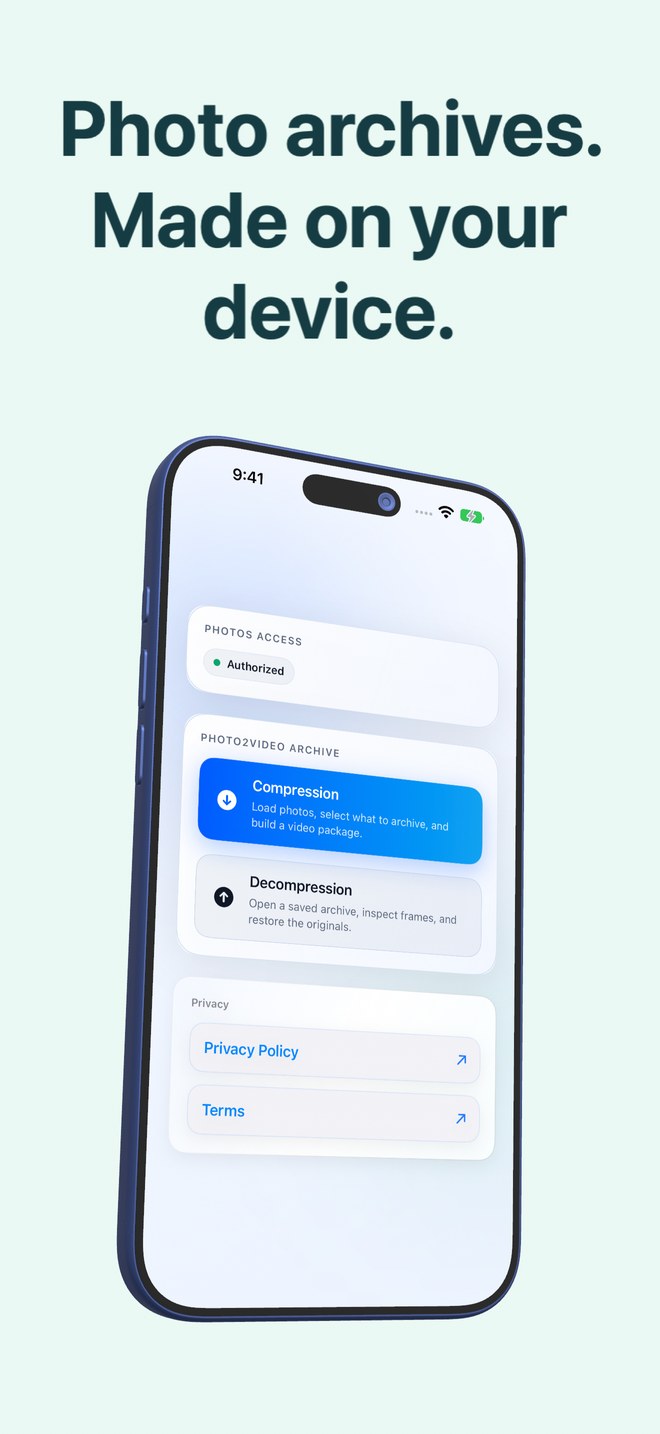
Photo2Video Archive has two buttons on its home screen—Compression and Decompression—and runs 100% inside iOS 26 / iPadOS 26 on your iPhone or iPad. There is no server to patch, no port forwarding and no electricity bill.
| Dimension | Photo2Video Archive | Immich / Synology Photos NAS |
|---|---|---|
| Total entry cost | $3.99 one-time App Store purchase | $0 software (Immich) + $300–$1,000+ server/NAS & drives |
| Setup time | 1 minute from the App Store | Hours of NAS initialization, Docker config & VPN setup |
| Ongoing sysadmin work | None | OS/container updates, SMART disk monitoring & off-site NAS backup |
| Network requirement | None — 100% offline on iPhone & iPad | Home LAN or Tailscale/VPN required to browse non-cached library |
| Privacy boundary | Stays on your iPhone/iPad | Stays on your own home server hardware |
2. Lossy HEVC pocket consolidation vs lossless home-server storage
Immich and Synology Photos win decisively on file preservation and scale: they ingest your untouched original HEICs, RAWs, Live Photos and multi-gigabyte 4K videos onto multi-terabyte drives. Photo2Video Archive is not a home server or video archiver; it packs local still-photo batches into lossy HEVC MP4 videos (one photo per frame) with an embedded manifest inside Apple Photos.
While Photo2Video Archive’s local originals package stays in the app on the creating device, Restore Selected puts back byte-exact originals; if only the HEVC archive video remains, Export Selected to Photos decodes full-resolution re-encoded frames.
| Capability | Photo2Video Archive | Immich / Synology Photos |
|---|---|---|
| Original photo byte preservation | Lossy HEVC video export; byte-exact only while local app package exists | 100% byte-exact original files stored on NAS/server disks |
| 4K camera roll video backup | Not supported (for photos, Live Photos & panoramas only) | Full support for original 4K/ProRes video libraries |
| On-device selection & cleanup | Built-in stacks (duplicates, large, screenshots, receipts, chats) + size math | Backs up camera roll; local iPhone cleanup managed separately |
| Disaster resilience if phone breaks | Requires copying archive/originals off the phone separately | Home server retains copies even if iPhone is lost while travelling |
3. Who should run a NAS and who just needs Photo2Video Archive
Even dedicated Synology or Immich owners often keep Photo2Video Archive on their iPhone: once older years are safely backed up in full lossless quality on the home NAS, packing a travel archive into a single local MP4 keeps those trips browsable offline on flights when your home VPN is unreachable.
| Household need | Recommended setup | Why |
|---|---|---|
| Multi-terabyte family archive of RAWs & 4K videos at home | Synology Photos or Immich (+ off-site backup) | True lossless multi-device server under your own roof |
| Quickly compacting old screenshots & cold photo batches on iPhone | Photo2Video Archive ($3.99) | Zero server hardware, zero Docker maintenance, instant local math |
| Offline pocket access to older NAS-backed years during flights | NAS at home + Photo2Video Archive on iPhone | NAS holds untouched masters; iPhone holds tiny restorable HEVC archives |
Does Photo2Video Archive need a companion desktop or Docker server?
No. Encoding, manifest embedding, archive verification and frame restoration all happen directly on your iPhone or iPad.
Can I back up Photo2Video Archive MP4 files onto a Synology NAS too?
Yes. Because Synology Photos or SMB shares can store the MP4 file untouched, its embedded manifest survives intact for future frame export in Photo2Video Archive.
Is Photo2Video Archive a substitute for a 3-2-1 lossless NAS backup?
No. HEVC video compression is lossy, and a single phone can be lost or damaged. Keep an independent original-file backup for irreplaceable photographs.
Which iOS versions does Photo2Video Archive support?
iOS 26 and iPadOS 26 or later on iPhone and iPad.