What it does

Features

The full list, each with what it is for.

Choose what to archive

Choose what to archive

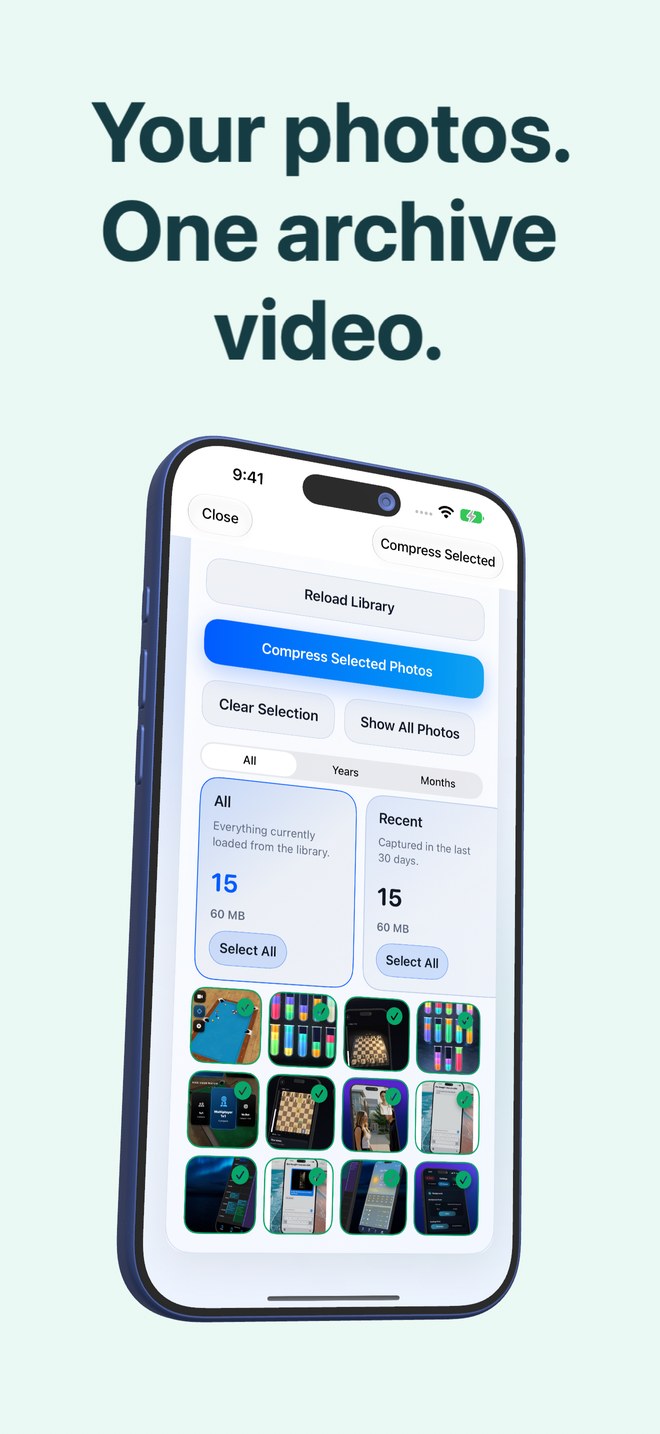
The library loads with counters for selected and total, and review stacks that make choosing fast: everything, the last thirty days, portrait, landscape, large files, duplicates, and content groups the app finds by reading the images on the device: chats, invoices, documents, QR codes, screenshots, travel, pets, food, nature, city. Each stack has a Select All. Only photos that are fully on the device are shown; anything still in iCloud is left alone.

  • Stacks: recent, portrait, landscape, large, duplicates
  • Content groups from on-device image and text recognition
  • Years and months filters, Show Selected Only
  • Photos still in iCloud are skipped, not guessed at
An HEVC video, one photo per frame

An HEVC video, one photo per frame

Every selected photo becomes one frame of a single MP4, encoded with HEVC by a bundled FFmpeg at full resolution by default. Portrait photos are turned to fit the landscape canvas and turned back on restore; panoramas are split across frames and stitched again. The video is verified after encoding and saved into your Photos library, where iCloud backs it up like any other video.

  • HEVC in MP4, hardware-encoded
  • Full resolution by default
  • Panoramas split and re-stitched
  • Verified, then saved to Photos
The archive carries its own map

The archive carries its own map

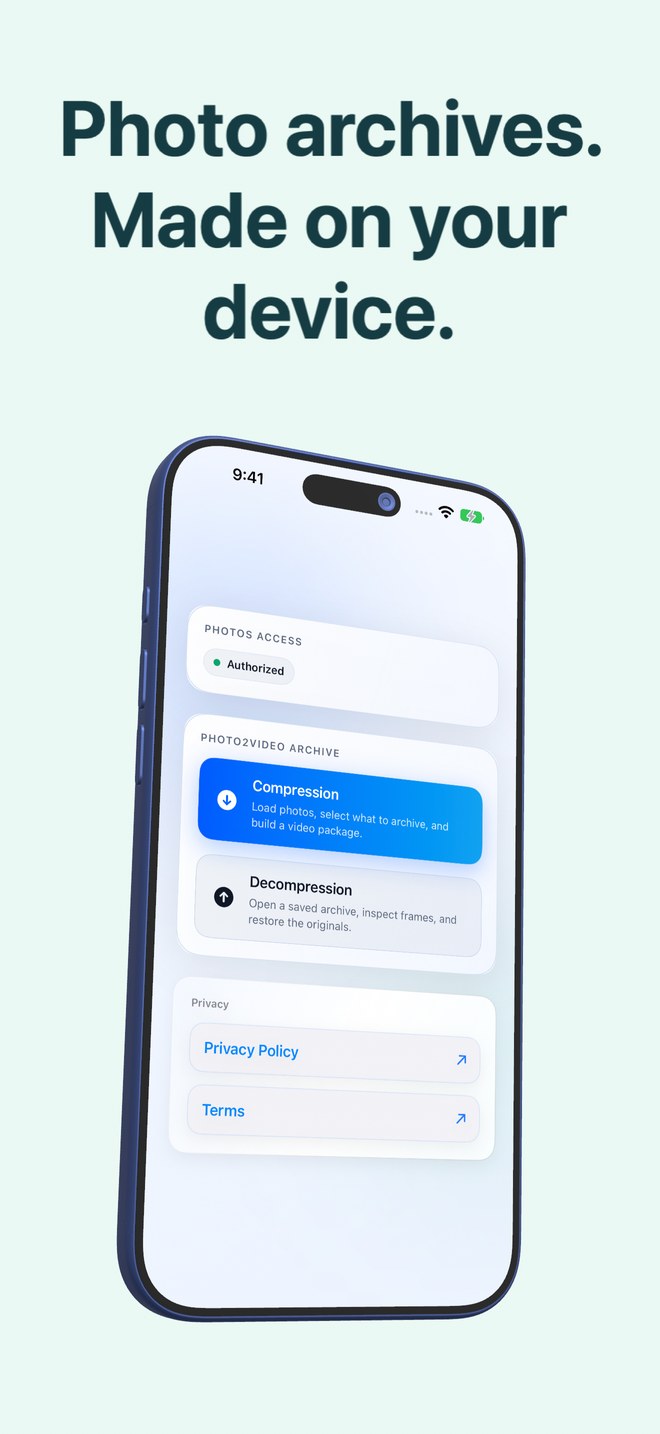
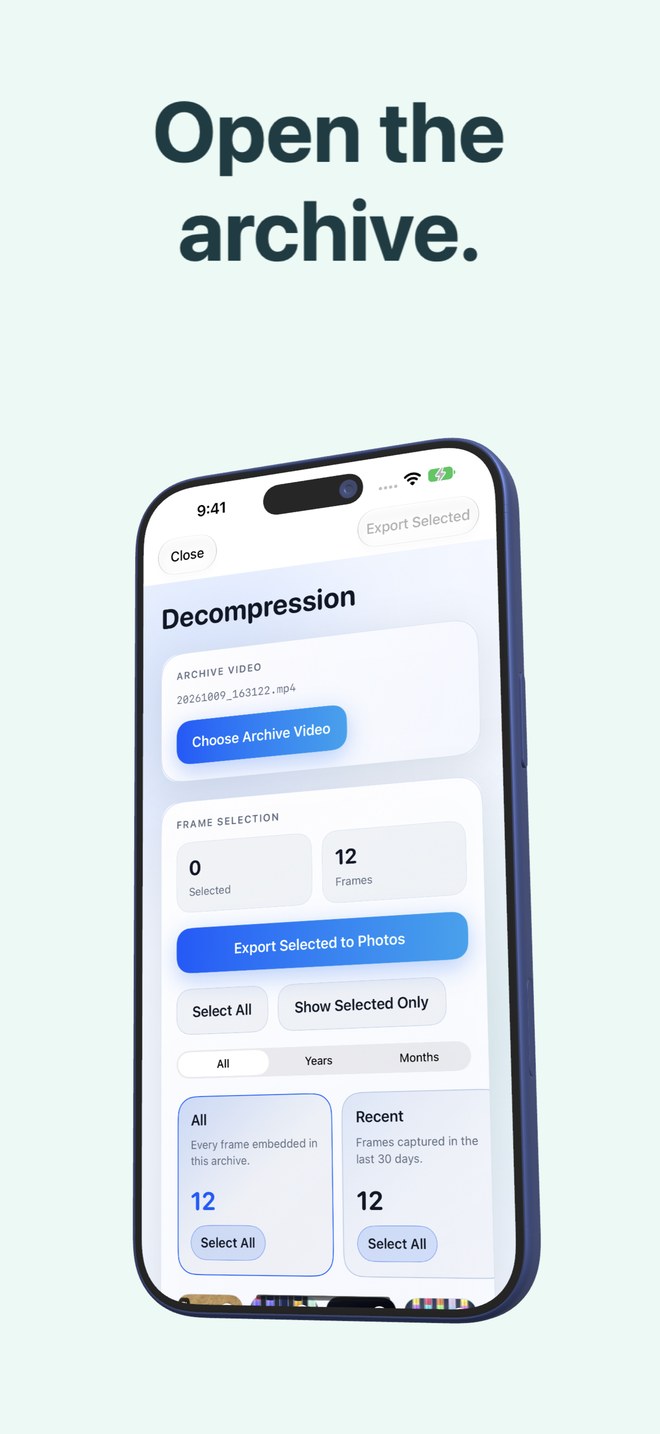
The list of photos, their dates, names and Live Photo pairings is written into the video file itself, so an archive video opened from Photos on any device with the app knows what it contains. The Decompression screen lists only videos with a valid embedded archive payload.

  • Manifest embedded in the video
  • Opens from Photos on any device with the app
  • Only real archives appear in the picker
Restore frames, or the exact originals

Restore frames, or the exact originals

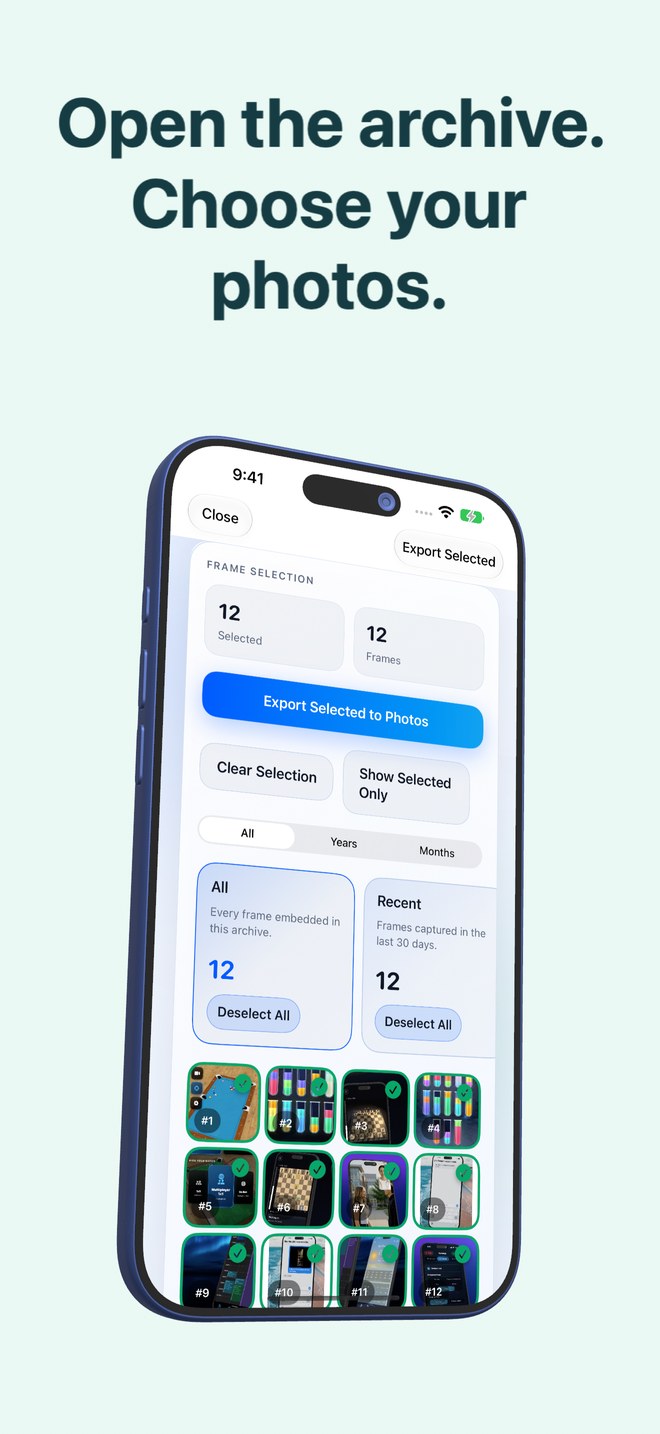
Open an archive, tick frames, tap Export Selected to Photos: each frame is decoded and saved back as an image. While the archive's originals package is still in the app, Restore Selected puts back the byte-exact original files instead, with their names, dates and Live Photo videos. Deleting the app deletes that package, so restore what matters before you do.

  • Any frame back to Photos as an image
  • Exact originals with names, dates and Live Photos while the package exists
  • Live Photos and panoramas handled
Delete originals with the numbers in front of you

Delete originals with the numbers in front of you

When an archive is saved, the app first reminds you not to delete the archive video, then shows the arithmetic: what the originals use, what the video uses, and what Photos would free. You can keep the originals. Deletion runs through the system Photos sheet, and deleted items stay in Recently Deleted for thirty days.

  • Savings computed per archive, not promised
  • Keep Originals is always a button
  • Photos confirmation, Recently Deleted for 30 days
Free for a hundred at a time

Free for a hundred at a time

The free app does everything with two limits: a run archives up to a hundred photos, and it shows ads, a full-screen one on opening and a rewarded video before compressing or exporting. Pro is a single purchase that removes the cap and the ads. No subscription.

  • Free: 100 photos per run, with ads
  • Pro: unlimited photos, no ads, one purchase
  • Restore Purchases on the home screen