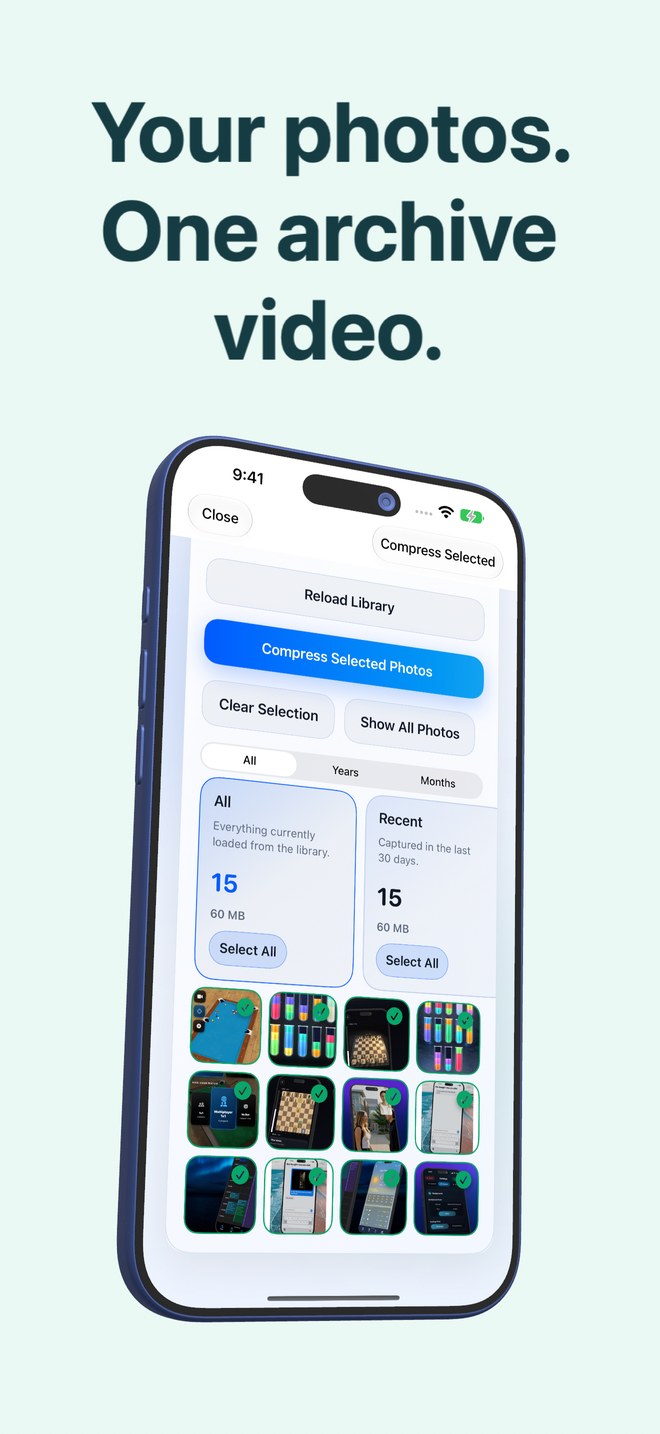
Photo2Video Archive vs Ente Photos: $3.99 one-time local HEVC archiver vs encrypted cloud subscriptions
Ente Photos is a strong choice when you want end-to-end encrypted, byte-exact cloud sync across iOS, Android, desktop and web and are happy to pay an ongoing monthly or annual storage subscription. Photo2Video Archive ($3.99 once) takes the local-only route: zero cloud accounts, zero recurring bills, and on-device HEVC archive videos that live right inside Apple Photos on your iPhone or iPad.
1. Two different privacy models: zero-cloud local vs E2EE cloud
Privacy-conscious iPhone owners generally evaluate two architectures. Ente Photos encrypts your original photos on your device before uploading ciphertext to replicated cloud storage—giving you off-site disaster survival and multi-device sync while requiring an account, recovery key management and recurring cloud fees.
Photo2Video Archive eliminates the cloud layer altogether. Published by Arte Soft EOOD, it creates no account, holds no recovery keys and uploads nothing to Arte Soft servers; your selected local photos are analysed and encoded on-device into a verified HEVC MP4 archive saved in Apple Photos.
| Attribute | Photo2Video Archive | Ente Photos |
|---|---|---|
| Privacy mechanism | 100% local on-device processing; no Arte Soft servers | Client-side end-to-end encryption synced to cloud servers |
| Account & recovery key | No account, no password, no recovery phrase to lose | Account + encryption password & recovery key required |
| Pricing model | $3.99 one-time download (US App Store), no subscription | Small free tier, then recurring monthly or yearly storage plans |
| On-device ML grouping | Local stacks: screenshots, chats, invoices, documents, travel, pets | On-device ML indexing synced as encrypted metadata |
| Platform scope | iPhone & iPad (iOS 26+) | iOS, Android, macOS, Windows, Linux & web |
2. Lossy HEVC compaction vs lossless cloud backup
Ente stores untouched original photo and video files in your encrypted cloud quota, so restoring any item returns identical bytes—even if your phone falls in the ocean. Photo2Video Archive solves local storage and clutter rather than off-site backup: its archive video uses lossy HEVC compression (one photo per frame), meaning frames exported from the video are re-encoded full-resolution images.
Byte-exact restoration in Photo2Video Archive works through the local originals package stored in the app’s documents directory while the app stays installed on the creating device.
| Capability | Photo2Video Archive | Ente Photos |
|---|---|---|
| Byte-exact photo preservation | Via local app package while installed; HEVC video export is lossy | Yes — original bytes preserved in encrypted cloud |
| Camera-roll video backup | No — archives photos, Live Photos & panoramas | Yes — backs up standard videos within storage quota |
| Offline restoration on a flight | Instant — decode & export selected frames with zero signal | Requires internet unless originals remain cached locally |
| Space calculation before delete | Shows exact originals size vs archive video size per batch | Free-up-space deletes local copies already uploaded to Ente |
3. Pairing a smaller encrypted cloud plan with local HEVC archives
Encrypted cloud storage costs more per gigabyte than unencrypted Big Tech clouds because the provider cannot deduplicate across users or monetize metadata. Using Photo2Video Archive to compact secondary clutter—old receipts, chat screenshots, reference snaps and redundant bursts—lets you reserve paid Ente storage for irreplaceable family originals.
| Priority | Best choice | Reasoning |
|---|---|---|
| Encrypted off-site disaster backup of irreplaceable family photos | Ente Photos | Survives lost/broken iPhone with byte-exact encrypted originals |
| Zero-subscription local archiving of secondary camera-roll batches | Photo2Video Archive ($3.99) | Pay once, keep archives locally in Apple Photos with no cloud account |
| Keeping an encrypted cloud tier small and affordable | Ente (key originals) + Photo2Video Archive (cold clutter) | Avoids paying recurring encrypted-GB rates for old screenshots & bursts |
Does Photo2Video Archive encrypt archive videos with a password?
No. Archive videos are standard HEVC MP4 files saved in your Apple Photos library (protected by your iPhone passcode and iOS device encryption), not a separate password-locked vault.
Does Photo2Video Archive ever send recognized text from invoices or chats to a server?
No. Image and text recognition used to build content stacks runs entirely on your device.
Can Photo2Video Archive replace Ente for off-site disaster recovery?
No. Because Photo2Video Archive stores data locally on your device (unless Apple Photos syncs the video to iCloud or you copy files elsewhere) and HEVC video is lossy, keep an independent backup for irreplaceable originals.
What happens if I uninstall Photo2Video Archive?
Uninstalling removes the app’s local originals packages, while archive videos already saved in Apple Photos remain and can still export frames if you reinstall the app later.