Cold photo storage options compared for iPhone users: HEVC archive videos, USB-C SSDs, NAS, iCloud+ and cloud vaults
“Cold photos” are the thousands of older shots—past years’ travel outtakes, reference screenshots, receipts, remodel progress pics and event bursts—you want to keep accessible without paying monthly rent or clogging your live iPhone gallery. Compare all six cold-storage strategies across fidelity, pocket access, disaster resilience and five-year cost so you can pick the exact mix your library deserves.
1. Master feature & fidelity comparison across all 6 cold-storage methods
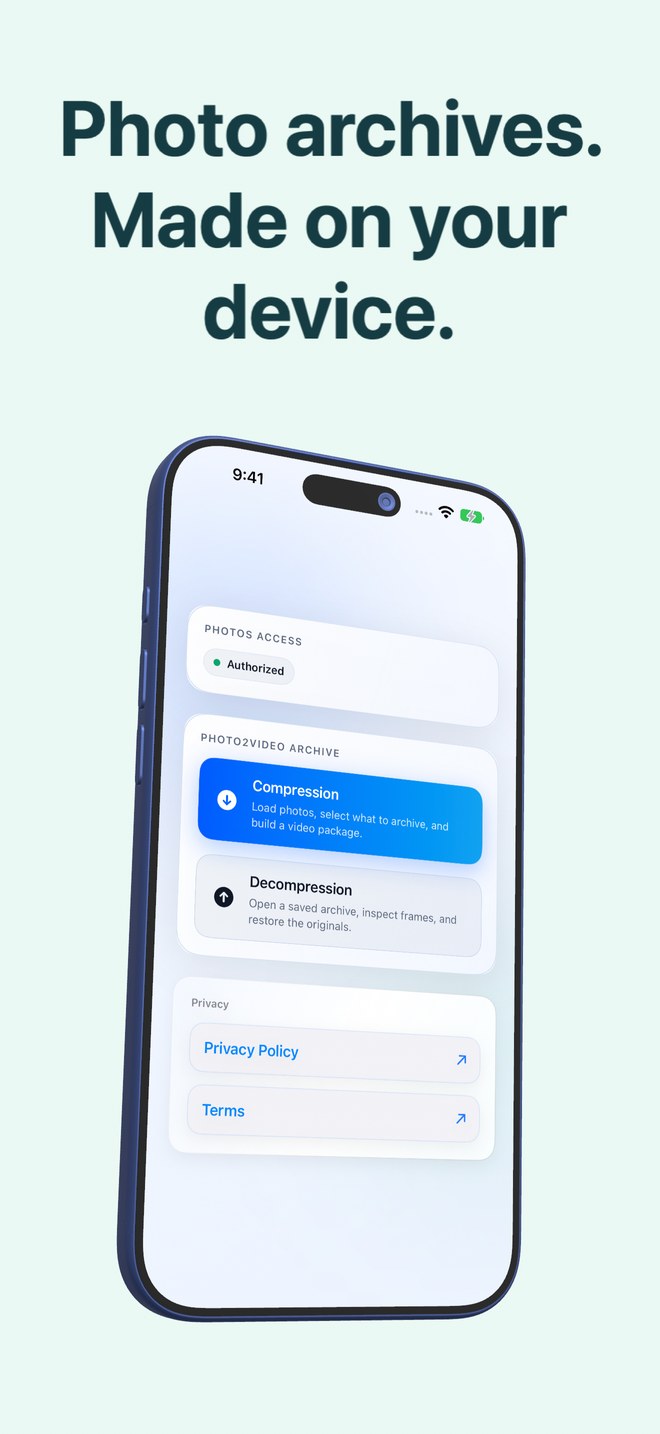
No single tool wins every column because two physical constraints pull in opposite directions: keeping byte-identical camera originals off-site requires gigabytes of paid cloud or external disks, whereas shrinking cold batches to stay offline inside Apple Photos on your phone requires lossy compression such as Photo2Video Archive’s HEVC MP4 container.
| Cold storage method | Byte-exact lossless? | Offline in your pocket? | Handles 4K videos? | Typical cost |
|---|---|---|---|---|
| Photo2Video Archive (HEVC MP4) | Lossy video frame export; byte-exact only while local app package exists | Yes — inside Apple Photos on iPhone/iPad | No (photos, Live Photos & panoramas) | $3.99 once |
| External USB-C SSD (2 drives ideal) | Yes — untouched exported files | Only when carrying & plugging in drive | Yes | $70–$200+ once |
| iCloud+ Photos (200 GB / 2 TB) | Yes — untouched cloud originals | Requires internet if offloaded | Yes | $2.99–$9.99+/mo |
| Google Photos / One | Yes in Original mode; lossy in Storage Saver | Requires internet if local copies freed | Yes (counts toward quota) | 15 GB free, then monthly/annual |
| Ente / pCloud Vaults | Yes — untouched cloud files | Requires internet unless cached offline | Yes (within quota) | Monthly/yearly or $199–$399+ lifetime |
| Home NAS (Synology / Immich) | Yes — untouched files on RAID disks | Requires home Wi-Fi or VPN | Yes | $300–$1,000+ hardware |
2. Matching each photo category in your camera roll to the right tier
Instead of treating a wedding ProRAW file and a 2021 furniture-measurement screenshot identically, split your library by consequence of loss. Irreplaceable memories deserve independent lossless backups; everyday reference clutter and burst outtakes belong in verified HEVC archives—and pure disposable screenshots belong in the trash.
| Library slice | Consequence of generation loss | Best-practice storage recipe |
|---|---|---|
| Irreplaceable family milestones, weddings & ProRAWs | Unacceptable — keep every original byte | SSD/NAS + off-site cloud backup (optional HEVC copy for pocket browsing) |
| Completed trip outtakes, pet bursts & project logs | Low if visual full-res frame checks out | Test sample restore → pack in Photo2Video Archive ($3.99) + copy MP4 to SSD |
| Old receipts, chat grabs & reference documents | Check fine-text zoom legibility first | Pack in Photo2Video Archive; keep critical tax/legal PDFs/originals backed up |
| Accidental lock-screen screenshots & expired codes | None — pure clutter | Delete via Fastest Screenshot Cleaner ($2.99) or Apple Photos |
3. Three proven end-to-end setups by budget
Pick one of these three concrete blueprints and stick to its verification habit—testing a sample restore before deleting loose originals and never deleting your archive videos.
| Blueprint | Tools combined | 5-Year cost & strength |
|---|---|---|
| Zero-Subscription Hardware + Pocket Archive | Photo2Video Archive ($3.99) + External USB-C SSD (~$85) | ~$89 total over 5 years; lossless masters at home + compact archives on phone |
| Right-Sized iCloud + Clutter Compaction | Photo2Video Archive ($3.99) + iCloud+ 200 GB ($2.99/mo) | ~$183 over 5 years; automatic cloud sync without paying $600 for 2 TB |
| Self-Hosted Power User | Home Synology/Immich NAS + Photo2Video Archive ($3.99) | Private multi-TB lossless home server + offline HEVC archives on flights |
Can Photo2Video Archive alone replace every kind of photo backup?
No. As stated throughout our guides, Photo2Video Archive is a local HEVC archiving workflow, not a replacement for independent lossless off-device backups of irreplaceable photos.
Why does Photo2Video Archive skip iCloud-only photos?
To stay predictable and strictly local: it lists only photos stored fully on your iPhone or iPad rather than triggering unexpected gigabyte downloads from iCloud.
How many tables and checks should I trust before deleting originals?
Trust your own verification on your own photos: encode a small batch first with Keep Originals, check the app’s exact size comparison, and export a few frames to inspect them in Apple Photos.
Where can I get help if an archive or restore ever behaves unexpectedly?
Email office@arte-soft.com directly with your device model, iOS version, selection count (including Live Photos/panoramas), stage and exact alert text—it reaches the engineers at Arte Soft EOOD with no ticket bot.