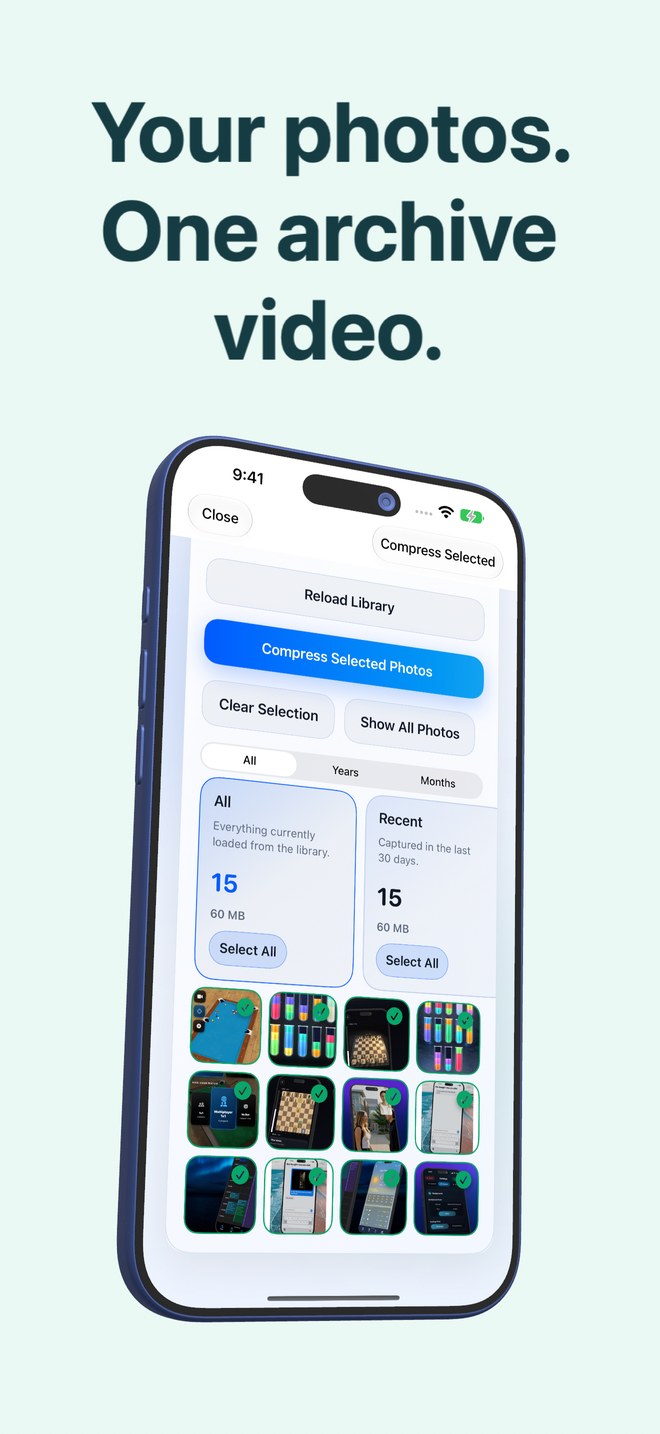
On-device HEVC photo archiving on iPhone vs cloud image-compression websites: privacy, uploads and batch scale
Free browser image-compression websites are fine for shrinking three public blog graphics—and terrible for 2,000 personal camera-roll photos, invoices, IDs or family shots. Uploading gigabytes over home Wi-Fi exposes private images and EXIF GPS coordinates to third-party servers, caps batches at 20–50 files and returns loose ZIPs. Photo2Video Archive ($3.99 once) keeps selection, text recognition, HEVC encoding and restoration 100% on your iPhone or iPad.
1. Privacy risk of uploading personal camera rolls to web compressors
A typical iPhone library contains passport photos, tax invoices, banking screenshots, home addresses in EXIF GPS tags, medical notes and children’s photos. Browser compressor tools upload every selected image to remote cloud servers to process them, subject to varying retention policies and paid "Pro" batch limits.
Photo2Video Archive processes photos locally on your iPhone or iPad (iOS 26+). Even its smart selection stacks—chats, invoices, documents, QR codes, screenshots, travel, pets, food, nature and city—are built by reading images on your device without uploading photos or recognized text to Arte Soft servers.
| Criterion | Photo2Video Archive (On-Device) | Cloud Image-Compression Websites |
|---|---|---|
| Where photos are processed | 100% locally on your iPhone or iPad | Uploaded to remote third-party web servers |
| EXIF GPS & document text exposure | Never leaves your device | Transmitted over the network with each uploaded file |
| Batch size workflow | Designed for hundreds or thousands of local photos | Usually capped at 20 files or 5 MB per file on free tiers |
| Upload / download data cost | 0 MB network usage — works in Airplane Mode | Uploads gigabytes + downloads compressed files back |
| Pricing | $3.99 one-time App Store purchase | Free with tight caps, ads or $5–$15/mo web subscriptions |
2. Consolidated HEVC archive video vs re-importing loose web downloads
Even after waiting for an online compressor to process 20 photos at a time, iOS Safari drops the results into your Downloads folder in Files—leaving you to unzip them, re-import loose JPEGs into Apple Photos (losing Live Photo pairings and often resetting sort dates to today), and manually hunt down the originals to delete.
Photo2Video Archive integrates directly with Apple PhotoKit: encode a single verified HEVC MP4 with an embedded manifest of names, dates and Live Photos, save it straight to Apple Photos, review the exact space difference, and confirm deletion via the system Photos sheet only if and when you choose.
| Step | Photo2Video Archive | Web Compressor in Safari |
|---|---|---|
| Selecting local photos | Filter by year/month, duplicates, large or content stacks | Manual Safari file picker 20 photos at a time |
| Output structure | 1 verified HEVC MP4 archive video saved in Photos | Dozens of downloaded `.zip` files in Safari Downloads |
| Dates & Live Photo tracking | Recorded inside the MP4 embedded manifest | Frequently stripped or overwritten on re-import |
| Processing speed factor | Local device CPU/media hardware (scales with device & batch size) | Bottlenecked by residential upload speed & server queues |
3. When a web compressor is appropriate vs on-device archiving
Keep browser tools like Squoosh (specifically client-side WebAssembly tools) or TinyPNG strictly for shrinking public website hero images before publishing a blog post. For personal iPhone and iPad photo libraries, stay 100% local.
| Use case | Best choice | Why |
|---|---|---|
| Optimizing 4 public PNG/WebP graphics for a company website | Web asset optimizer | Outputs web-ready `.webp` / `.avif` assets for HTML |
| Archiving private camera-roll batches, chats, receipts & trips on iOS | Photo2Video Archive ($3.99) | Zero server uploads, native Photos workflow & frame restore |
Does Photo2Video Archive work completely offline in Airplane Mode?
Yes. Because selection, recognition, encoding, verification and restoration run locally on your device, no internet connection is needed for local photos.
Does Photo2Video Archive ever upload recognized text from my invoices or chats?
No. As stated in the Privacy Policy, photos, screenshots and recognized text are never uploaded to Arte Soft servers.
How long does encoding take on an iPhone or iPad?
Processing time depends on your iPhone or iPad model and the resolution and number of selected images; start with a small test selection first.
Are frames exported from Photo2Video Archive lossless?
No—exported video frames are re-encoded HEVC images at full resolution; byte-exact restore requires the local originals package while the app stays installed on the creating device, or an independent lossless backup.