Organizing yearly HEVC photo archives vs keeping one 50,000-photo Camera Roll on iPhone
Carrying 50,000 unorganized photos from 2015–2026 in one flat iPhone Camera Roll slows down backups, bloats local Photos indexing caches, crowds search results with decade-old receipts and pushes you into higher cloud tiers. Using Photo2Video Archive ($3.99 once) to pack cold years or completed projects into structured, verified HEVC archive videos keeps your active library lean while preserving offline frame recovery.
1. Why a 50,000-item Camera Roll drags down everyday iPhone use
Apple Photos handles large libraries admirably until local storage runs tight: full-device iTunes/Finder backups take ages over USB, third-party photo pickers stutter scrolling back to 2019, and half the library turns out to be old screenshots, whiteboard snaps, chat logs and burst outtakes rather than cherished portraits.
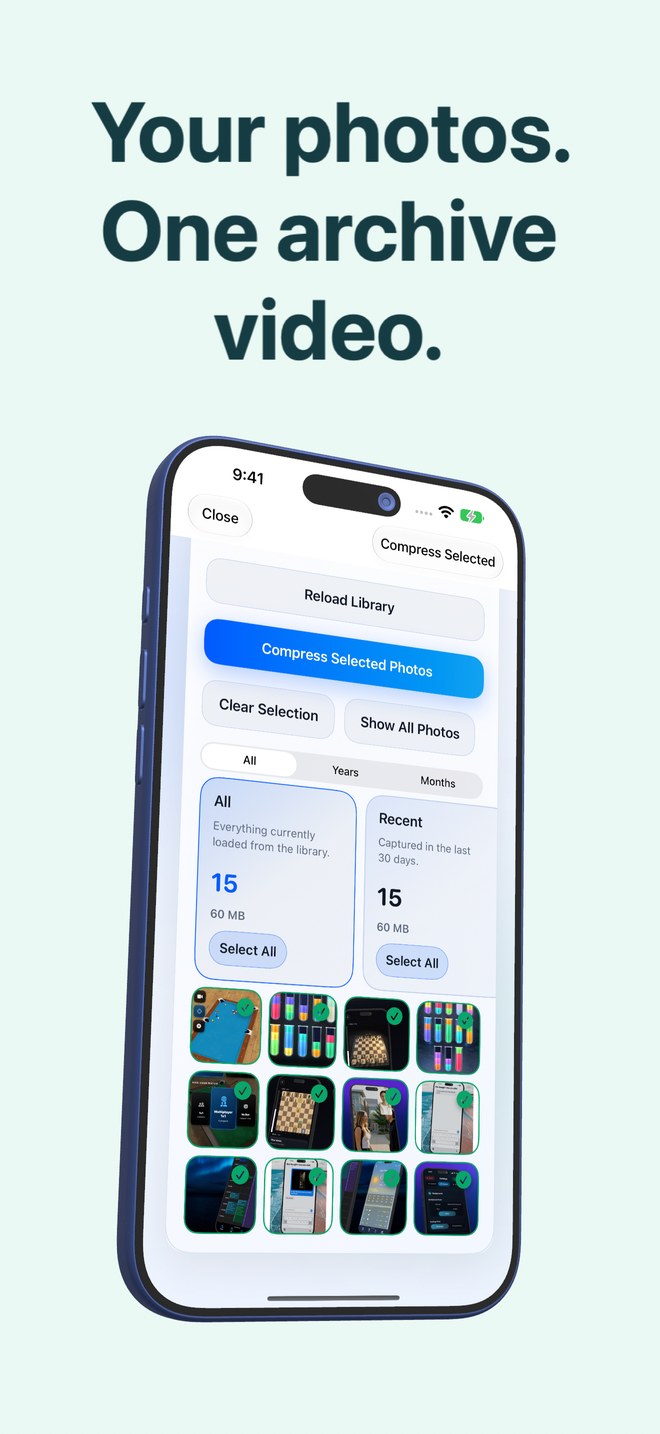
Photo2Video Archive includes built-in **Years and Months** filters alongside review stacks (duplicates, large files, portrait, landscape, chats, invoices, documents, QR codes, screenshots, travel, pets, food, nature, city) so you can slice a cold library into clean, logical batches rather than tackling 50,000 items at once.
| Everyday friction | Single 50,000-Photo Camera Roll | Active Favorites + Yearly HEVC Archives |
|---|---|---|
| Scrolling & third-party app photo pickers | Tens of thousands of old screenshots & bursts mixed in | Fast, focused library of active & favorite photos |
| Items representing a cold year (e.g. 2020 clutter) | 3,000–8,000 loose files | 1–4 verified HEVC MP4 archive videos in Apple Photos |
| Finding & exporting an old reference shot | Scroll endlessly or rely on Spotlight | Open that year/topic archive → tick frame → Export Selected |
| Storage predictability | Creeps upward silently every week | Exact originals-vs-video arithmetic shown per archive |
2. Why smaller seasonal or topic batches beat one huge archive
Do not try to pack 20,000 photos into a single mega-video! Building moderate, focused batches—such as `2021 Q1–Q2`, `2022 Receipts & Docs`, or `Italy Trip Outtakes`—finishes encoding faster, makes visual browsing inside Decompression effortless, and isolates risk.
| Batch granularity | Selection filter in Photo2Video Archive | Why this size works best |
|---|---|---|
| First test archive (10–30 photos) | Last 30 days or non-critical screenshots | Lets you verify frame export & workflow in 2 minutes with Keep Originals |
| Monthly or quarterly cold batches (200–1,000 photos) | Years + Months filter | Fast local encoding, quick thumbnail browsing in Decompression |
| Topic cleanup archives (receipts, chats, duplicates) | Invoices, Documents, Chats or Duplicates stack | Clears non-photo clutter out of Recents without losing visual records |
3. Protecting favorite highlights and master backups alongside yearly archives
A smart yearly archive routine never packs 100% of a year blindly: heart/favorite your best 50–100 family portraits from each year so they stay loose in Apple Photos for Widgets and Memories, back up unmodified originals of important years onto an external SSD or cloud, and pack the bulky cold remainder into Photo2Video Archive.
| Tier | What stays there | Format |
|---|---|---|
| Hot (Apple Photos loose) | Current year + starred Favorites from past years | Untouched `.heic` / Live Photos |
| Warm (Apple Photos archives) | Past years’ bulk outtakes, bursts, chats & receipts | Photo2Video Archive HEVC MP4s |
| Cold Master (External SSD / NAS / Cloud) | Full unmodified historical backup | Byte-exact original files |
Why does Photo2Video Archive show fewer photos for an old year than Apple Photos?
Because it lists only photos stored fully on your device; if iCloud Photos offloaded older years to the cloud via Optimize iPhone Storage, those cloud-only items are skipped unless downloaded locally in Photos first.
Can I review exactly which photos I selected before starting the encode?
Yes—counters show selected versus total items, and toggling Show Selected Only lets you inspect your exact batch before creating the archive.
If I keep the local originals package on my phone, does device usage still drop right away?
No—while the app retains original files in its local archive package for byte-exact restore, those bytes still occupy app storage on that device (and deleted Photos items remain in Recently Deleted for up to 30 days). Count all copies across Photos and app data.
What happens if I accidentally delete an archive video for a whole year?
If you already deleted the originals and had no separate backup, deleting the archive video loses those photos—check Apple Photos Recently Deleted immediately within 30 days and always back up archive MP4s and important originals externally.