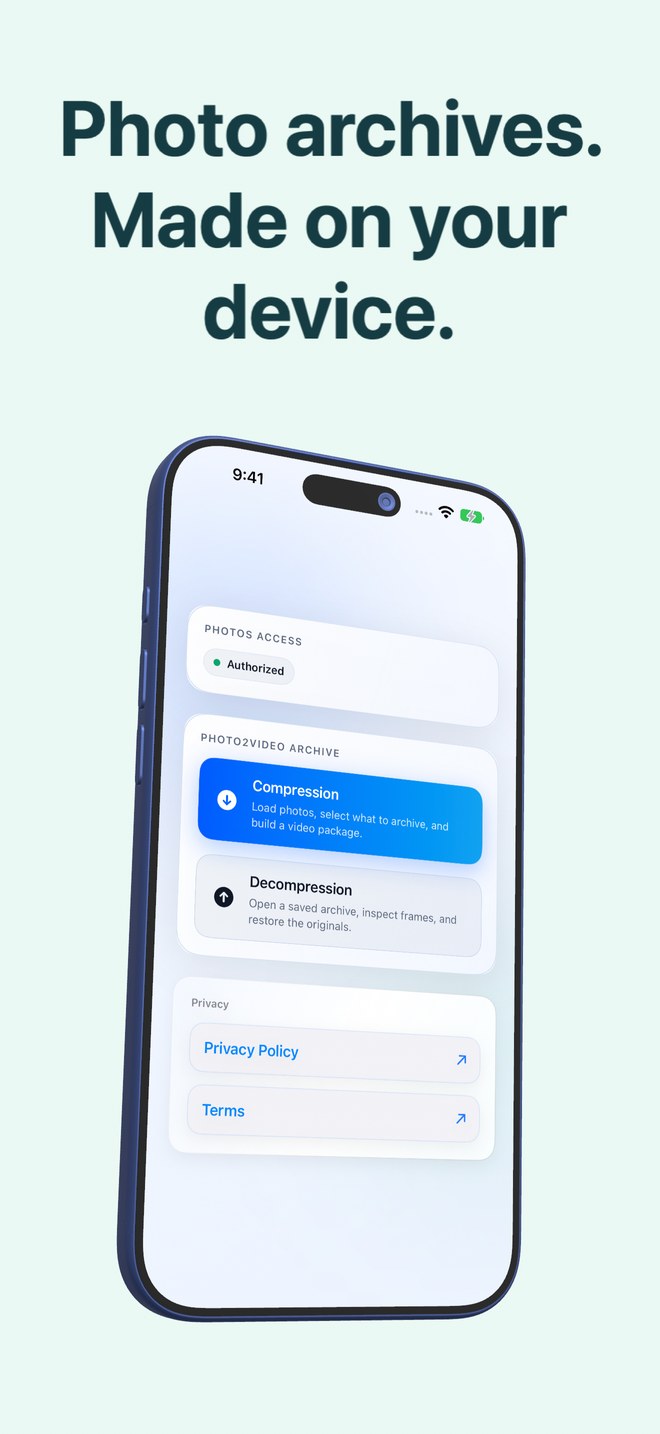
Photo2Video Archive vs subscription phone cleaner apps: keeping compact memories for $3.99 once vs $9.99/week deletion traps
App Store "AI Phone Cleaner" apps routinely hook stressed users with a 3-day free trial that auto-renews at $7.99–$9.99 per week ($400+/year)—just to push permanent deletion of your photos alongside fake "RAM/CPU boost" gauges. Photo2Video Archive is a $3.99 one-time download with zero subscriptions that lets you pack older photos into restorable HEVC archive videos instead of throwing memories away.
1. Pricing honesty: $3.99 once vs $400/year weekly cleaner renewals
Search "storage cleaner" on the App Store and most top-ranked results are free-to-download shells whose first action after scanning your gallery is a weekly subscription paywall—often costing more per month than Apple’s own 2 TB iCloud+ plan!
Photo2Video Archive (published by Arte Soft EOOD) charges once at download ($3.99 in the US; Apple shows your regional price up front). There is no subscription, no auto-renewing 3-day trial, no dark-pattern upsell and no contact-book or battery gimmickry.
| Factor | Photo2Video Archive | Subscription Phone Cleaner Apps |
|---|---|---|
| Upfront & ongoing price | $3.99 one-time purchase · $0/year ongoing | $0 install, commonly $4.99–$9.99/week ($260–$520/yr) |
| Free-trial renewal trap | None — no subscription or trial to cancel | 3-day trial auto-renews unless cancelled 24h early |
| Core mechanism for free space | Packs chosen photos into a restorable HEVC MP4 archive | Pushes permanent batch deletion (plus occasional per-file re-save) |
| Fake RAM / battery / cache meters | None — shows exact per-archive byte arithmetic only | Frequent placebo animations unsupported by iOS sandboxing |
| Account & server uploads | No account; on-device image & text grouping | Varies widely; often heavy ad/attribution SDK tracking |
2. Archiving what you might want later vs irreversible deletion
Deleting genuine junk—blurry pocket shots or expired one-time passcodes—is healthy. The problem with aggressive swipe-cleaners is decision fatigue: after 300 swipes you delete old travel bursts, chat history screenshots or receipts you end up needing six months later.
Photo2Video Archive includes the same helpful on-device selection stacks (duplicates, large files, recent, screenshots, chats, invoices, documents, QR codes, travel, pets, food, nature, city), so you can group those older batches into one verified HEVC archive video in Apple Photos and still export individual frames later.
| Capability | Photo2Video Archive | Typical Cleaner Apps |
|---|---|---|
| Duplicates & large-file stacks | Included locally with Select All & counters | Included behind recurring subscription paywall |
| Chats, invoices & document stacks | Included via on-device recognition | Rarely separated from generic screenshots |
| Recovering an image 6 months later | Open archive video → Export Selected to Photos | Gone forever once 30-day Recently Deleted expires |
| Deletion transparency | Shows originals size vs video size; Keep Originals always shown | Gamified "Free 14 GB Now!" buttons |
3. What to delete outright and what to archive
Use Apple’s built-in Duplicates album in iOS Photos (free) or a one-time screenshot utility for pure trash you never want to see again, and use Photo2Video Archive for everything in the grey zone—old trips, home-renovation progress shots, receipts and event bursts worth keeping in compact form.
| Photo category | Best action | Zero-subscription tool |
|---|---|---|
| Exact duplicate imports | Merge in place | Built-in Apple Photos → Utilities → Duplicates (free) |
| Disposable screenshots you never need again | Bulk delete after review | Fastest Screenshot Cleaner ($2.99 once) or Photos Screenshots |
| Thousands of cold photos, receipts & bursts to keep | Pack into verified HEVC archive video | Photo2Video Archive ($3.99 once) |
| Irreplaceable family masters & RAWs | Back up unmodified bytes off-device | External USB-C SSD or cloud backup |
Can any iPhone cleaner app actually clear other apps’ system caches?
No. iOS sandboxes every app, so third-party "cleaner" utilities can only touch data Apple grants permission for—chiefly your Photos library and Contacts.
Does Photo2Video Archive ever delete originals automatically?
Never. Keep Originals is always presented, and removing originals requires your explicit confirmation in the system Apple Photos sheet (where items remain in Recently Deleted for 30 days).
Is Photo2Video Archive really a one-time payment?
Yes—$3.99 once on the US App Store (local regional price shown by Apple before purchase), with zero subscriptions or in-app purchases.
Are frames restored from the archive video identical to camera originals?
Frames decoded from the HEVC video are re-encoded full-resolution images (lossy HEVC). Byte-exact restore uses the local originals package only while the app stays installed on the creating device.