Photo2Video Archive vs Mac Photos library export: archiving directly on iPhone and iPad without a computer
If you own a Mac with an external SSD, exporting "Unmodified Originals" from macOS Photos or Image Capture gives you a free, 100% lossless cold archive. If your iPhone or iPad is your primary computer—or you are travelling without a laptop—Photo2Video Archive ($3.99 once) lets you triage, pack, verify and restore cold photo batches right on iOS 26 / iPadOS 26 with no Mac required.
1. Computer-free iOS workflow vs desktop cable offloading
Million of iPhone and iPad owners either do not own a Mac, use an office-locked Windows laptop where personal USB transfers are blocked, or run out of storage mid-trip. Desktop offloading also requires babysitting Lightning/USB cables, unlocking trust prompts and managing `.photoslibrary` bundles or folder trees.
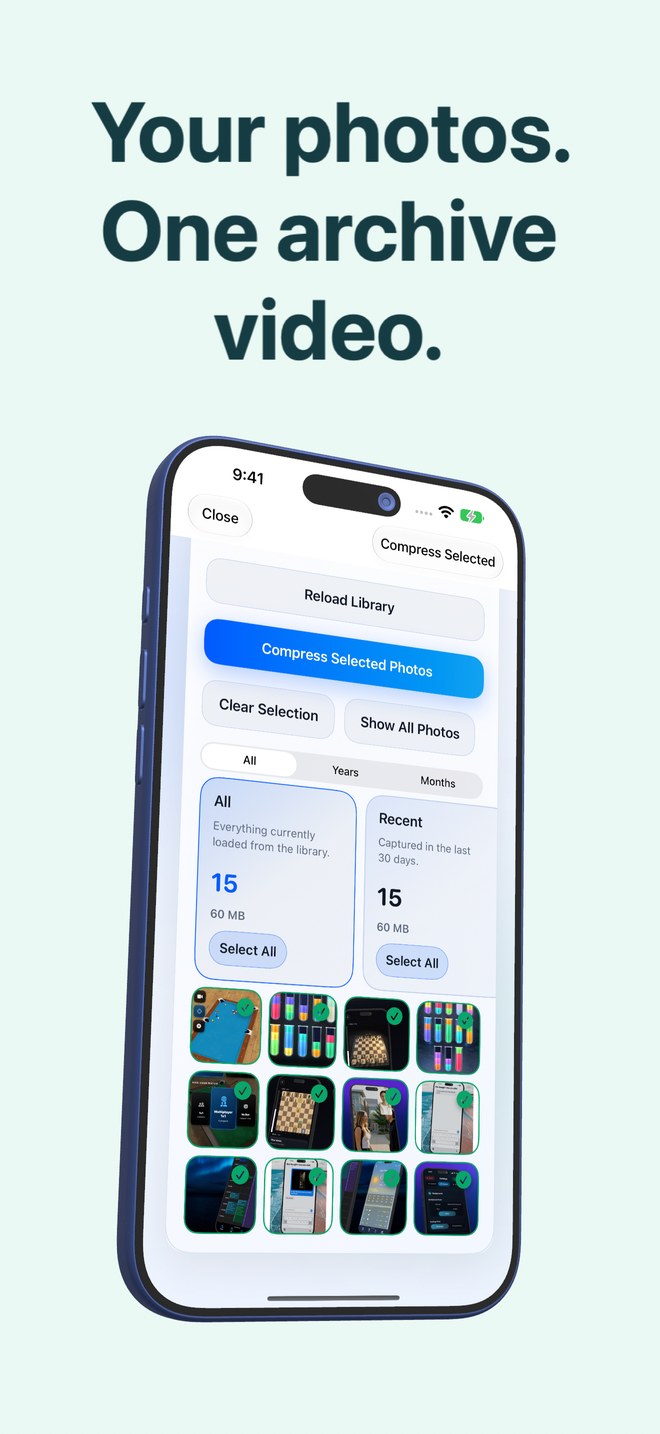
Photo2Video Archive runs entirely on your iPhone or iPad. You filter by year/month or review stacks (recent, duplicates, large files, screenshots, invoices, chats, travel, pets), encode a verified HEVC MP4 archive video saved straight into Apple Photos, and inspect the exact space calculation before deciding whether to remove loose originals.
| Requirement | Photo2Video Archive | Mac Photos / Image Capture Export |
|---|---|---|
| Desktop computer needed | None — 100% standalone on iPhone or iPad (iOS 26+) | Requires a Mac (or PC file import) + cable or iCloud sync |
| App cost | $3.99 one-time App Store purchase | Built into macOS at no extra software cost |
| Where archived photos stay | Inside Apple Photos on your iPhone/iPad as 1 MP4 per batch | On your Mac internal SSD or attached external drive |
| On-the-road availability | Create archives & export frames anywhere, even on a plane | Archived photos sit on your desk at home unless carried |
| Smart content triage | Built-in on-device stacks (duplicates, large, chats, receipts, travel) | Manual Smart Albums on Mac; flat file list in Image Capture |
2. Lossless unmodified originals vs lossy HEVC archive videos
Mac Photos’ "File → Export → Export Unmodified Original" (with XMP sidecar optional) preserves every camera byte, RAW sensor value and companion Live Photo `.mov` clip—and handles 4K/ProRes video recordings too. Photo2Video Archive handles still photos, Live Photos and panoramas (not standalone videos), encoding them into a lossy HEVC MP4 video.
In Photo2Video Archive, byte-exact restoration is available from the app’s local originals package while the app stays installed on the creating device, whereas frames decoded from the HEVC video itself are re-encoded full-resolution images.
| Media / fidelity detail | Photo2Video Archive | Mac Unmodified Originals Export |
|---|---|---|
| Still photo byte exactness | Lossy HEVC frame decode; byte-exact only while local app package exists | 100% byte-identical camera files |
| Standalone library videos | Skipped — designed for photos, Live Photos & panoramas | Exports all MOV / MP4 / ProRes video clips intact |
| iCloud optimised items | Skips non-local iCloud items rather than downloading them | Mac can download originals from iCloud if space permits |
| Single-photo pocket restore | Tick frame in app → Export Selected to Photos in seconds | Requires reconnecting to Mac or AirDropping back |
3. Pairing annual Mac exports with pocket HEVC archives
If you do own a Mac, combine both workflows once a year: export unmodified master originals onto a redundant Mac external drive for permanent archival insurance, then build compact yearly Photo2Video Archive MP4s on your iPhone so ten years of memories stay browsable in your pocket without filling 128 GB.
| Setup | Best choice | Why |
|---|---|---|
| iPhone-only or iPad-only household with no personal Mac | Photo2Video Archive (+ USB-C SSD or cloud for masters) | Completes selection, verification & restore without a desktop |
| Offloading 100 GB of 4K family movies onto a desktop drive | Mac Photos / Image Capture Export | Handles large video files & lossless master storage |
| Keeping Mac-archived years viewable offline on your phone | Mac lossless export + Photo2Video Archive on iPhone | Lossless masters at home, compact frame-exportable archives in hand |
Does Photo2Video Archive run on macOS?
Photo2Video Archive is built for iPhone and iPad running iOS 26 / iPadOS 26 or later.
Can I copy a Photo2Video Archive MP4 to my Mac for safekeeping?
Yes. Export or AirDrop the unmodified MP4 archive video to your Mac for backup; its embedded manifest remains inside the video file so any iPhone or iPad with Photo2Video Archive can export frames from it later.
Why doesn’t Photo2Video Archive show my entire Mac-synced iCloud library?
The app intentionally lists only photos stored fully on your iPhone or iPad and skips cloud-only iCloud placeholders.
Is Mac "Export Unmodified Original" safer for RAW photography than HEVC video?
Yes. Always keep unmodified files on independent drives or cloud storage for ProRAW and irreplaceable master photography.