Lossy HEVC photo archives vs lossless RAW & original backups: an honest guide to when to use each
“Full resolution” means pixel width and height—not byte-for-byte lossless preservation. A Photo2Video Archive video uses lossy HEVC encoding to pack thousands of photos into a compact MP4 in Apple Photos, while true lossless backups (external SSDs, NAS or Original-quality cloud storage) preserve every camera byte untouched. Knowing exactly where each belongs prevents accidental quality or data loss.
1. Three distinct tiers of fidelity (including Photo2Video’s two restore paths)
Confusion happens when apps blur "high quality" with "lossless." In Photo2Video Archive, there are two distinct restore paths with completely different fidelity properties: exporting decoded frames from the HEVC archive video (lossy re-encoded images at full resolution dimensions), and Restore Selected using the local originals package stored inside the app on the creating device (byte-exact lossless files with names, dates and Live Photo videos, available only while that local package exists).
A third tier—independent lossless backup on an external SSD, computer or cloud—protects original bytes off your phone even if the phone is lost or the app is deleted.
| Preservation path | Byte-exact lossless? | Survives deleting the app? | Survives losing your iPhone? |
|---|---|---|---|
| Photo2Video HEVC video frame export | No — lossy HEVC re-encoded image (full pixel dimensions) | Yes — archive MP4 stays in Apple Photos | Only if MP4 synced to iCloud or was copied off-device |
| Photo2Video local originals package (Restore Selected) | Yes — exact original files, names, dates & Live Photos | No — deleting the app deletes its local packages | No — stays on the device that created the archive |
| Independent lossless backup (SSD / NAS / Cloud Originals) | Yes — untouched camera HEIC / JPEG / ProRAW bytes | Yes — completely independent of the app | Yes — stored off your phone |
2. What lossy HEVC changes visually—and how to test in 3 minutes
When a still image is encoded into an HEVC video frame and decoded back out later, subtle color gradations, heavy shadow noise, ProRAW dynamic-range headroom and ultra-fine low-contrast typography can shift slightly, even though pixel dimensions stay full-size.
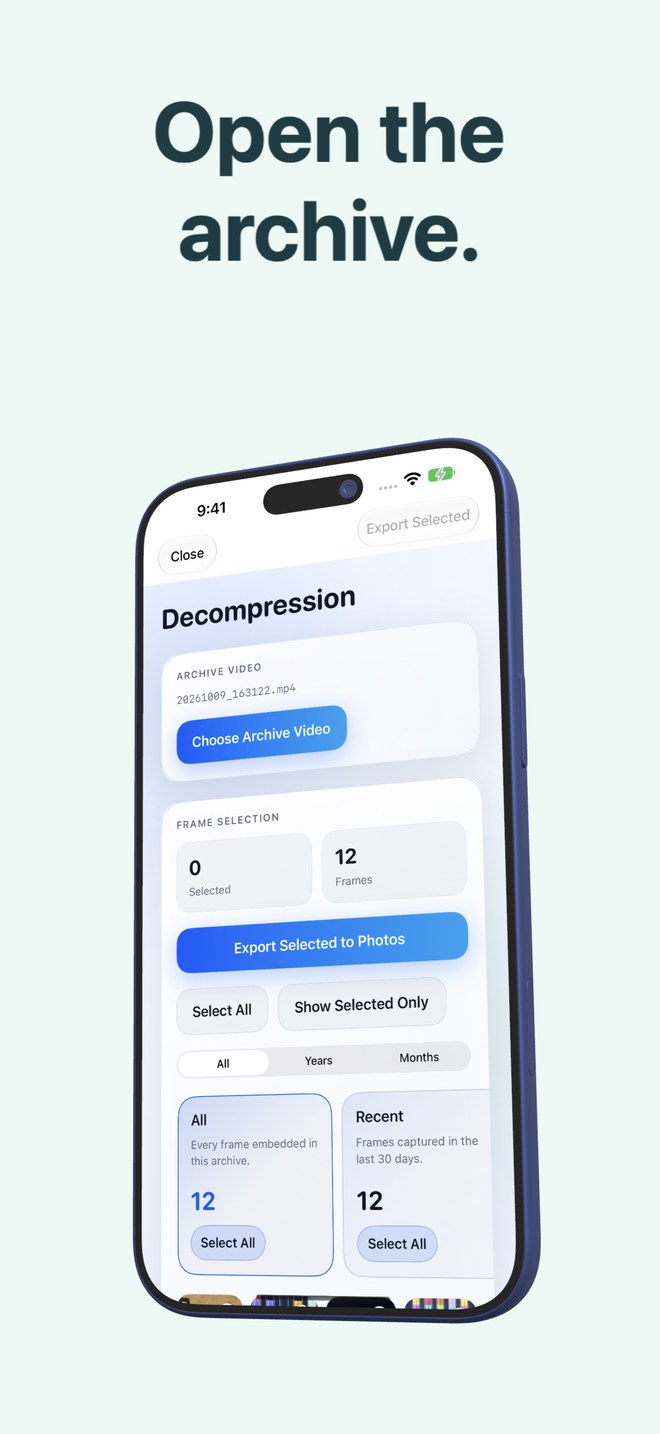
Never guess whether HEVC frame export meets your bar: build a small test archive of 10–20 representative photos first, tap Keep Originals, open Decompression, export a few frames back to Photos and compare them side by side at 100% zoom.
| Photo type | Lossy HEVC video archive alone? | Recommended rule |
|---|---|---|
| Casual travel snaps, food, pet pics & home projects | Well suited after sample check | Verify a sample frame export before deleting loose copies |
| Screenshots, receipts & chat logs | Test zoom legibility first | Keep lossless copies of critical tax, medical or legal documents |
| 48 MP Apple ProRAW / DSLR RAW files for editing | No — flattens RAW latitude on video decode | Always archive untouched `.dng`/RAW masters on SSD, Mac or NAS |
| Once-in-a-lifetime wedding, newborn & family portraits | Never rely on a single lossy copy | Keep independent 3-2-1 lossless backups; use HEVC only for pocket convenience |
3. Pre-deletion safety checklist
Follow the same six-point discipline documented in Photo2Video Archive’s guides before confirming deletion of any original files through the Apple Photos sheet.
| Check | Why it matters | How to verify |
|---|---|---|
| 1. Archive video saved & listed | Confirms valid embedded manifest in Photos | Open Decompression screen & see the archive listed |
| 2. Sample frame exported & zoomed | Proves visual quality meets your expectation | Export 2–3 frames & inspect details/text in Apple Photos |
| 3. Independent master backup exists | Protects irreplaceable shots from loss or lossy regret | Confirm SSD, Mac or cloud copy opens cleanly |
| 4. Local package trade-off understood | App package enables byte-exact restore while using local app space | Do not delete the app while relying on its local packages |
Does "full resolution" mean lossless?
No. Full resolution means the exported image keeps its pixel width and height; because HEVC is lossy, pixel values and file bytes are re-encoded.
Why does my iPhone storage still show app data if Photo2Video Archive keeps an originals package?
Because byte-exact restoration requires keeping the original files inside the app’s local archive package on that device. Count both Photos storage and app documents data when evaluating total device footprint.
What should I never delete after removing loose originals?
Never delete the archive video in Apple Photos—if the originals are gone and you delete the archive video, those photos cannot be recovered.
How long do deleted originals stay in Apple Photos Recently Deleted?
Normally up to 30 days unless you manually empty Recently Deleted sooner.