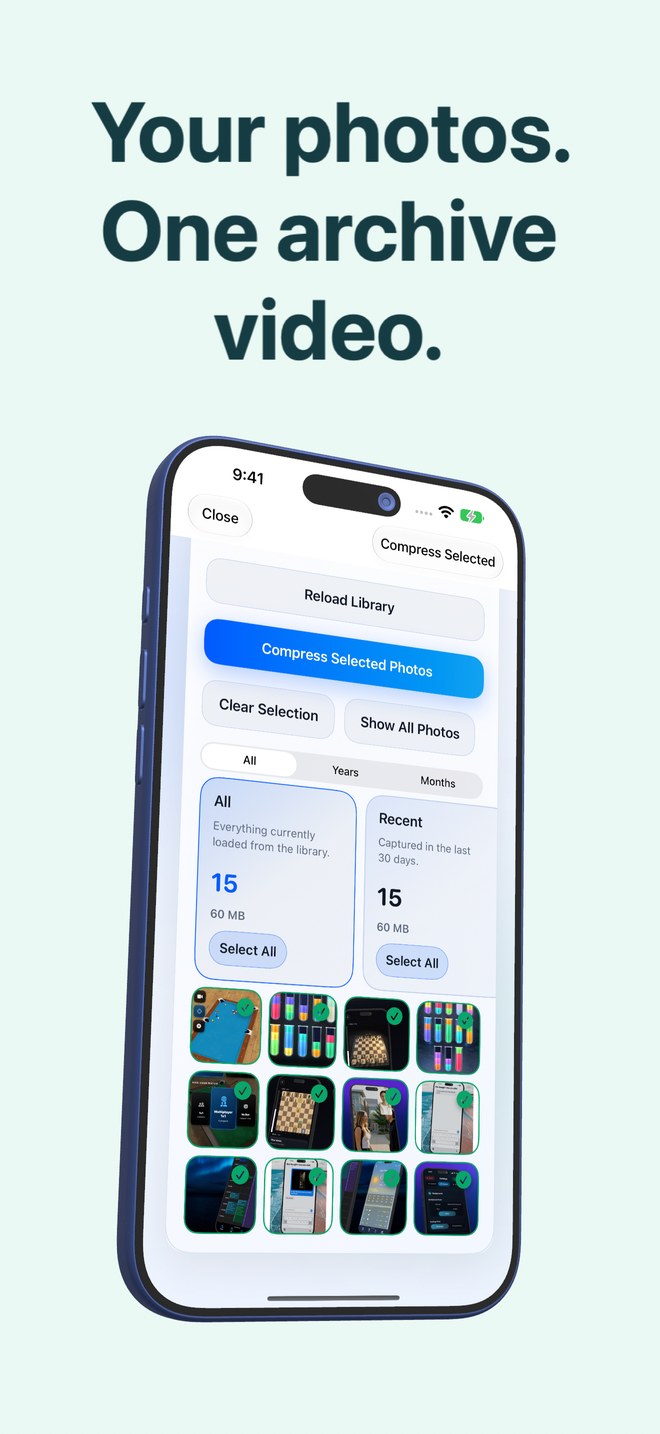
HEVC video archiving vs per-image HEIC compression on iPhone: how multi-frame containers pack photo batches
Every modern iPhone already shoots still photos in `.heic`, which uses intra-frame HEVC compression on one image at a time. Photo2Video Archive ($3.99 once) moves from single-image files to a multi-frame HEVC MP4 video container—placing selected local photos one per frame with an embedded manifest, then showing you the exact size of the originals versus the archive video before you decide whether to delete anything.
1. Intra-frame HEIC stills vs multi-frame HEVC MP4 containers
Inside a single `.heic` photo, the encoder can only compress spatial patterns within that one rectangle—sky gradients, walls or foliage—plus per-file container headers, preview thumbnails and metadata blocks repeated thousands of times across a camera roll.
When Photo2Video Archive packs a batch of photos into a single HEVC MP4 video (one photo per frame), container overhead collapses into one verified file and sequential frames—especially burst sequences, similar travel angles, chat threads or document pages—can benefit from modern HEVC video coding across frames.
| Technical layer | Multi-Frame HEVC Archive (Photo2Video Archive) | Standard Per-Image HEIC (Apple Camera) |
|---|---|---|
| Container structure | 1 verified MP4 video holding N photo frames + 1 embedded manifest | N separate `.heic` files, each with its own headers & thumbnails |
| Redundancy scope | Spatial within each frame + inter-frame similarity across adjacent photos | Spatial within a single isolated image only |
| Compression guarantee | Varies by photo set; exact byte math computed & shown per archive | Fixed at capture time by iOS Camera pipeline |
| Fidelity profile | Lossy re-encode on frame export; byte-exact only via local app package | Original camera capture file (already lossy vs sensor RAW) |
| Gallery representation | 1 archive video item in Apple Photos per batch | 1 thumbnail per photo in Apple Photos |
2. Why similarity in your batch changes actual space savings
Honest engineering means never promising "80% space savings" across every library. Twenty nearly identical sunset burst shots or fifty white-background invoice screenshots compress very differently from twenty unrelated night-mode portraits with heavy sensor grain.
That is why Photo2Video Archive encodes and verifies your specific selection first, then displays the real numbers—what the originals use, what the video uses, and what Apple Photos would free—while keeping a Keep Originals button right in front of you.
| Batch type | Visual redundancy | Practical check before deleting originals |
|---|---|---|
| Event bursts, sports & baby sequences | High similarity from frame to frame | Inspect facial detail on 2–3 exported sample frames |
| Screenshots, chats & white-page receipts | Large flat UI areas, sharp small text | Export sample frames & zoom in to verify fine text legibility |
| Noisy low-light or diverse random photos | Lower frame-to-frame similarity, random grain | Check the app’s computed size difference before deciding |
| ProRAW / irreplaceable studio masters | Archival master files | Keep untouched originals on an independent lossless backup |
3. Keeping camera capture in HEIC and cold batches in HEVC archives
Keep your iPhone Camera set to High Efficiency (HEIC) for everyday shooting so active photos work natively across iOS widgets, Memories and AirDrop. When older months or reference stacks turn cold, pack them into verified Photo2Video Archive MP4s.
| Library tier | Format to keep | Why |
|---|---|---|
| Recent 30–90 days & favorite family highlights | Native `.heic` / Live Photos in Apple Photos | Zero extra generation loss & instant system-wide sharing |
| Cold years, completed trips & reference stacks | Photo2Video Archive HEVC MP4 | Consolidates clutter into 1 restorable file with verified size math |
| Long-term master safety copy | Unmodified `.heic` / RAW on SSD or cloud | Protects original camera bytes permanently |
Why does Photo2Video Archive compute savings per archive instead of quoting a fixed percentage?
Because HEVC compression depends heavily on image resolution, grain, text detail and similarity between selected photos; showing exact post-encode byte totals lets you decide with real numbers.
Does encoding an HEIC photo into an HEVC video introduce generation loss?
Yes, for frames decoded back from the video, because HEVC is lossy. Byte-exact originals are preserved only in an independent backup or in the app’s local originals package while installed on the creating device.
Are Live Photos and panoramas supported alongside standard HEIC photos?
Yes. Both Live Photos and panoramas are handled, with Live Photo pairings recorded in the embedded manifest.
Does total free space change immediately if local packages or Recently Deleted remain?
Count all copies: originals kept in the app’s local package still use app storage on that device, and originals deleted in Apple Photos stay in Recently Deleted for up to 30 days.