How to Move a Photo2Video HEVC Archive to a New iPhone or iPad Without Losing Frame Restore
When you upgrade to a new iPhone or copy an archive video to your iPad, how much of your Photo2Video Archive travels with it? The answer depends on the separation between the HEVC archive video saved in Apple Photos and the local originals package stored inside the app on the device that created it.
What travels with the MP4 video vs what stays in the local package
Photo2Video Archive embeds its frame manifest directly inside the HEVC video saved to Apple Photos. That means any iPhone or iPad running Photo2Video Archive can recognize that video and decode individual photo frames from it.
However, the byte-exact originals package is stored locally inside the app's container on the creating device—it is not embedded inside the MP4 video file itself.
| Transfer Method | HEVC Video + Embedded Frame Map Transfers? | Decoded Frame Export on Destination? | Byte-Exact Local Package Available? |
|---|---|---|---|
| iCloud Photos sync to a second iPad or iPhone | Yes (once full video downloads locally) | Yes — export decoded HEVC frames | No — package remains on the creating device |
| AirDrop or Files copy of the archive MP4 | Yes (if sent as unmodified original video) | Yes — once saved to Apple Photos on destination | No — video file carries HEVC frames, not raw originals |
| Deleting the app on the creating device | Video in Apple Photos stays intact | Yes — if app is reinstalled later | No — uninstalling deletes the app's local packages |
How to verify an archive on a second device before wiping your old phone
Never factory-reset an old iPhone or delete backup copies until you have tested restoration on your new device.
- Make sure the finished Photo2Video HEVC archive video is saved in Apple Photos and fully downloaded onto your new iPhone or iPad.
- Install Photo2Video Archive from the App Store using the same Apple ID on the destination device.
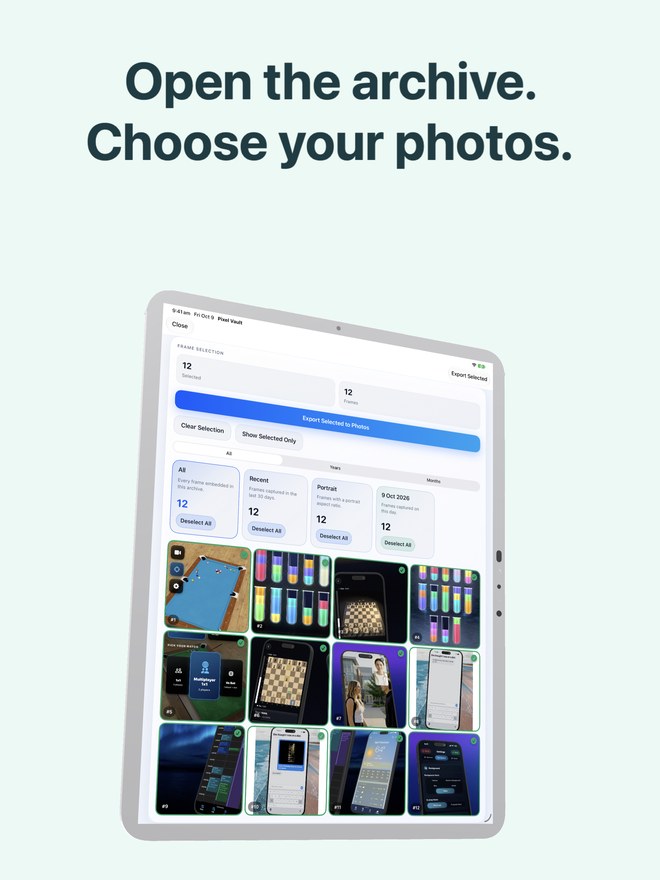
- Open the Restore tab and confirm that the app detects the archive video and lists its embedded frame count.
- Export two or three sample frames to Apple Photos on the new device and inspect them.
- If you require untouched original file bytes (such as RAW metadata or zero-loss images), restore them on the original device first or copy your independent original-file backup before erasing the old device.
Avoid messaging apps that re-encode video files
If you send an archive MP4 through WhatsApp, Telegram, or social messengers, those services re-compress the video and strip custom metadata tracks—which destroys the embedded Photo2Video manifest. Always move archive videos via Apple Photos sync, unmodified AirDrop, or direct file transfer.
Can my iPad restore frames from an archive video I created on my iPhone?
Yes. Once the unmodified archive MP4 is in Apple Photos on your iPad, Photo2Video Archive can read its embedded manifest and export decoded HEVC frames.
Why can't the second device run a byte-exact original restore from the video alone?
An HEVC video is smaller than the source photos precisely because it uses lossy video compression. Byte-exact files require the separate local originals package stored on the device that created the archive.
Will sending an archive video over WhatsApp break the restore map?
Yes. Messaging apps re-encode videos and strip embedded manifest metadata. Use AirDrop, iCloud Photos, or a direct USB/Files copy instead.