How to Free Up iPhone Photo Storage Before a Trip Without Paying for More iCloud+
Discovering that your iPhone has 2 GB of free space the night before a flight usually triggers a prompt to upgrade your monthly iCloud+ tier. Yet a bigger cloud plan does not immediately clear local flash storage if you are boarding a plane without fast Wi-Fi. Packing older reference photos, whiteboard captures, and burst batches into verified HEVC archive videos lets you manage local storage on your own terms.
Understand the whole-device storage math before deleting originals
Before you delete source photos to free space for vacation 4K video, count every place those files live on your iPhone. A smaller HEVC archive video only reduces total device storage after you account for the local originals package and Apple Photos' Recently Deleted album.
| Storage Location | What It Holds | How It Affects Free iPhone Space |
|---|---|---|
| Apple Photos Library (Archive MP4) | Compact HEVC video containing 1 photo per frame | Occupies a fraction of the source photo batch size |
| App Sandbox (Local Originals Package) | Retained source files for byte-exact restoration | Continues using local app storage while kept on-device |
| Apple Photos (Recently Deleted Album) | Deleted source photos held for up to 30 days | Space is not reclaimed by iOS until emptied or expired |
Pre-trip photo archiving checklist (5 steps)
Target non-critical, high-count batches first—such as old apartment tours, receipts, reference screenshots, or duplicate bursts—while backing up irreplaceable family photos separately.
- Back up irreplaceable camera originals to your Mac or an external SSD before starting any aggressive pre-trip cleanup.
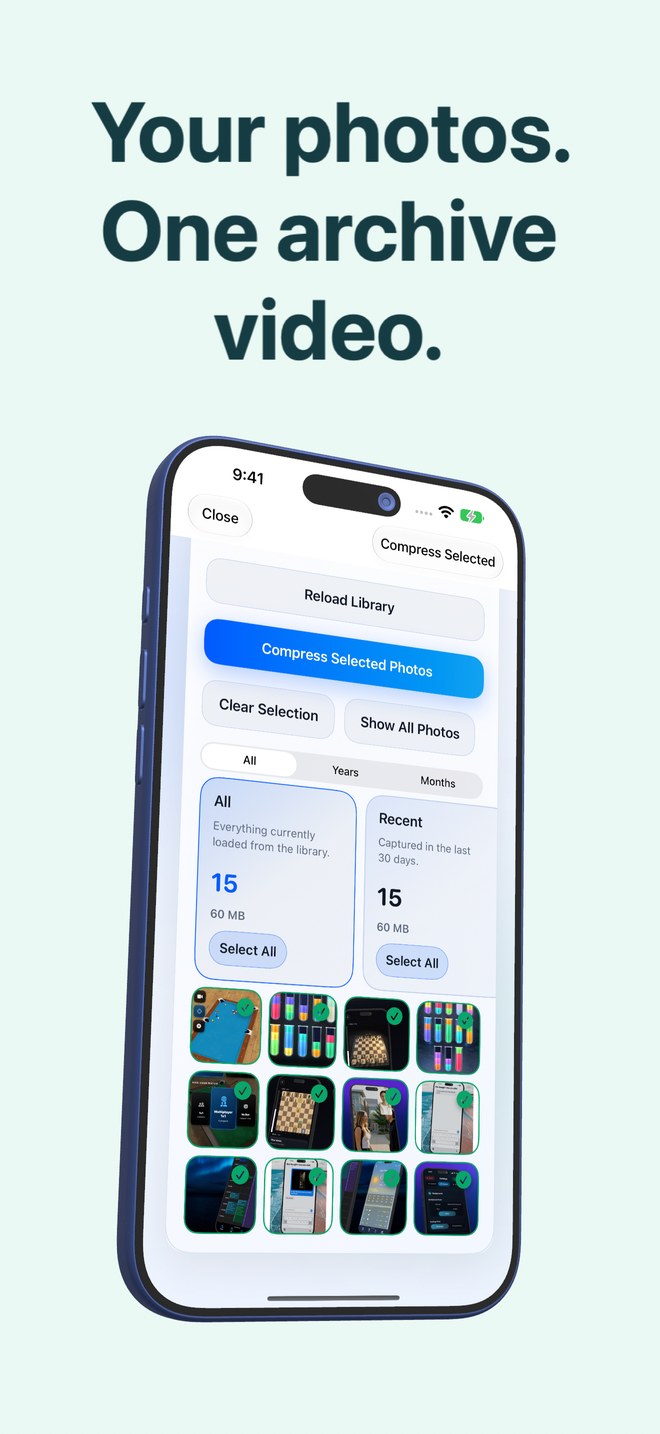
- Open Photo2Video Archive ($3.99 one-time download on iOS 26+) and select a batch of older local reference photos.
- Create the HEVC archive, wait for automatic verification, and inspect the exact byte comparison displayed by the app.
- Open the new archive in the Restore tab and export a few test frames to confirm that visual HEVC frame quality suits that batch.
- If you approve deleting the source photos through the system Photos confirmation sheet, remember that iOS holds them in Recently Deleted for 30 days until you clear that album.
Why no fixed compression percentage is ever promised
A batch of 500 high-resolution PNG screenshots compresses very differently from 500 dark-room HEIC camera photos. Instead of advertising a generic percentage, Photo2Video Archive measures the exact megabytes of your selected originals and the finished HEVC video before asking whether you want to keep or remove the source images.
Does Photo2Video Archive charge a monthly subscription like iCloud+?
No. Photo2Video Archive is a $3.99 US one-time paid download on the App Store with no recurring subscription.
Why didn't my free iPhone space increase immediately after deleting the original photos?
First, deleted photos remain in Apple Photos > Recently Deleted for up to 30 days. Second, if the app retains the local originals package for byte-exact restore, those bytes stay in app storage on that device.
Should I use HEVC video archiving as my only copy of wedding or baby photos?
No. Always keep an independent, lossless backup of irreplaceable photographs on a computer, external drive, or cloud service.