What should I keep before deleting photo originals?
Treat the first archive as a test. Verification and a small restore are more useful than a large promised saving.
Keep a working archive
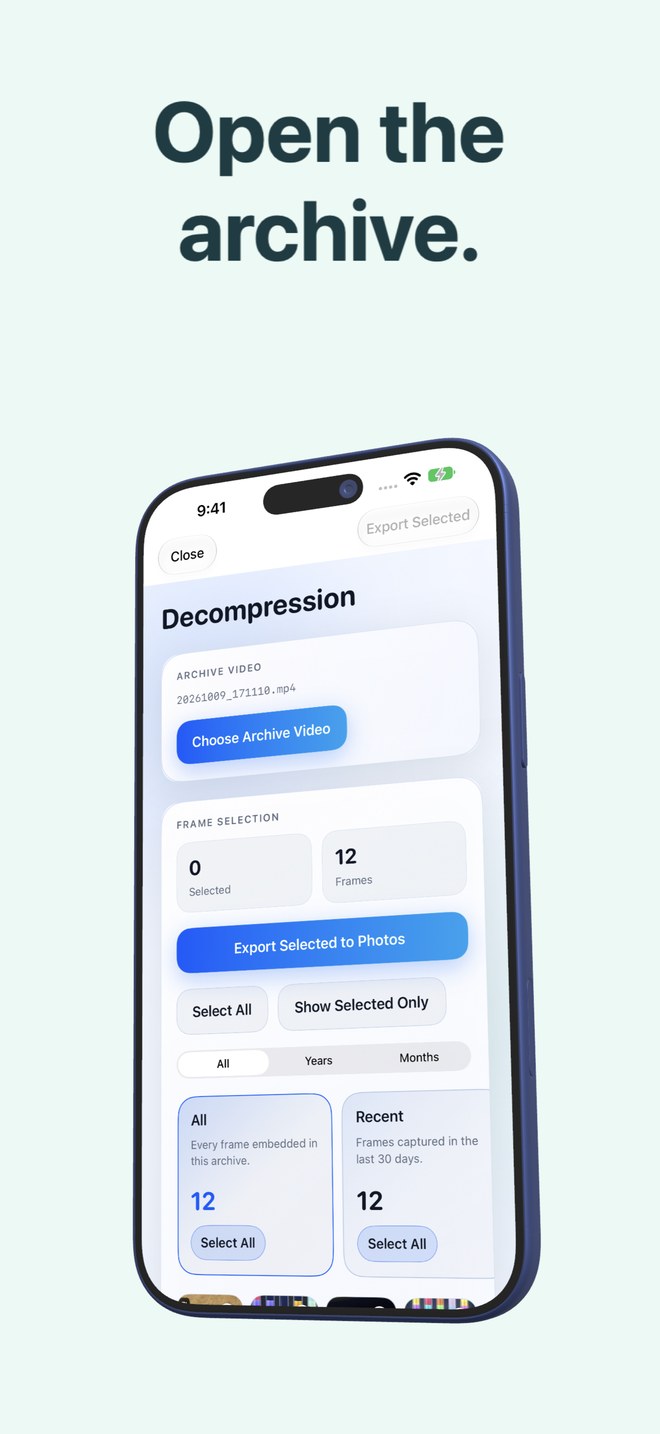
Retain the archive video in Photos and confirm that the app recognises it. Export a few frames, compare the output and verify that the selected images are present. A successful video playback is only one part of this check.
Preserve the exact files you need
If original quality or metadata matters, keep a separate original-file backup. The app’s byte-exact restore depends on its local originals package. Do not rely solely on an HEVC video for irreplaceable original files.
Before removing anything
Use this checklist before approving deletion. Never test a new workflow using your only copy of an important photo.
- Archive video saved and recognised.
- A sample export opened and checked.
- Independent backup of important originals verified.
- Local package retained when exact restore is needed.
- Consequences of iCloud deletion understood.
- App not deleted while its local packages are still needed.
What happens if I delete the app?
Its local archive packages are removed. Videos already saved in Photos remain, but exact originals may no longer be available through the app.