Pre-Trade-In iPhone Photo Checklist Before 'Erase All Content'
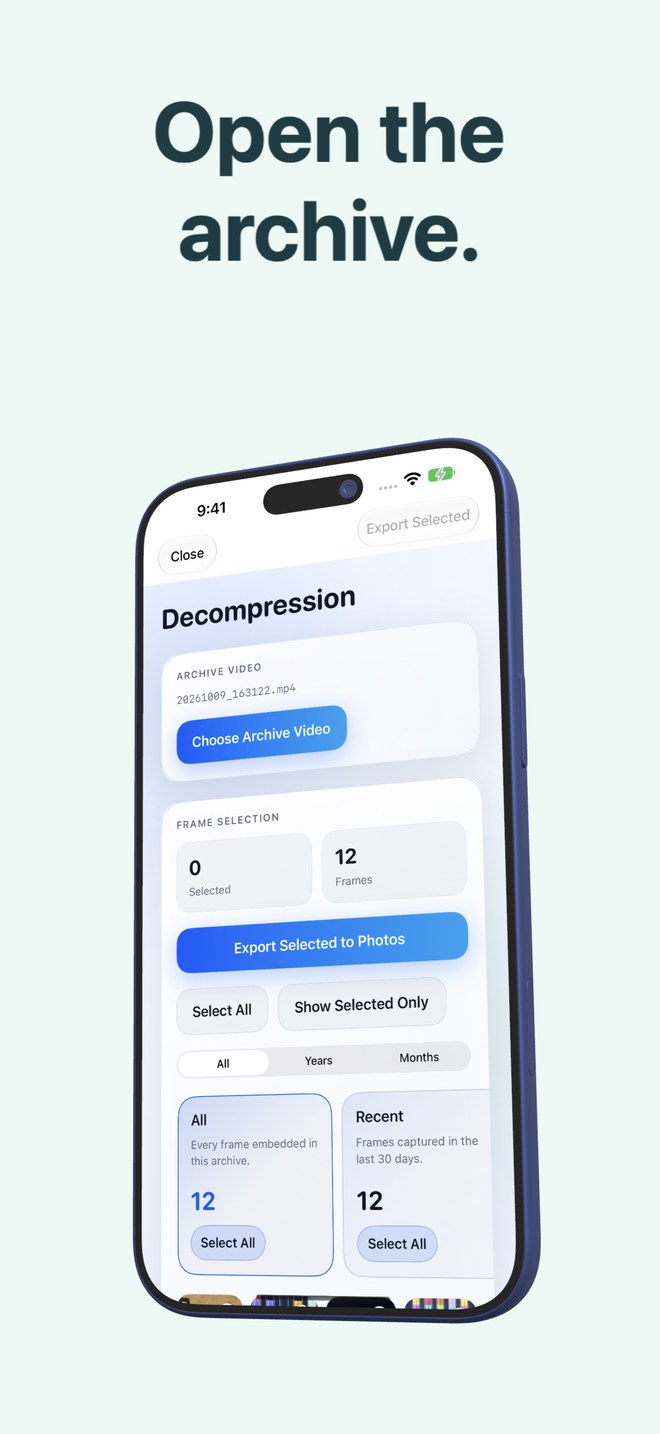
Archive, export, and verify every memory before handing in your old iPhone. Everything runs 100% on-device on your iPhone or iPad—free to use (ad-supported) with optional $0.99/month or $4.99 one-time Lifetime No-Ads.
Why iPhone storage fills up faster in 2026
Archive, export, and verify every memory before handing in your old iPhone. High-resolution retina PNG screenshots, 24MP/48MP stills, and Live Photos add gigabytes silently every month.
Instead of signing up for recurring $7.99/week cleaner subscriptions or unnecessary cloud tier jumps, handling cleanup and archiving locally keeps you in full control.
Step-by-step local workflow on iPhone & iPad
Scan or select batches directly on your device with zero server uploads. Always verify what you want to keep, complete your batch action, and remember that iOS holds deleted items in Recently Deleted for 30 days until you empty it.
You can also estimate storage savings or compress/redact single files in your browser using our free zero-upload tools at https://pixel-vault.arte-soft.com/tools/.